XM Extension SDK
Your gateway to building native customizations and integrations in Qualtrics
Plug and play
Create XM Plugins to enhance the Qualtrics user experience through customization, augmentation, and integration.
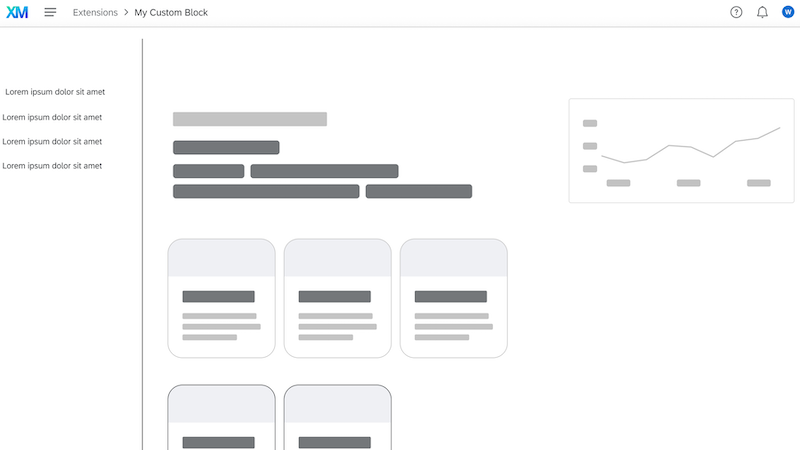
Custom Block
Empower users to accomplish more within Qualtrics via customizable interfaces that are flexible and easily accessible.
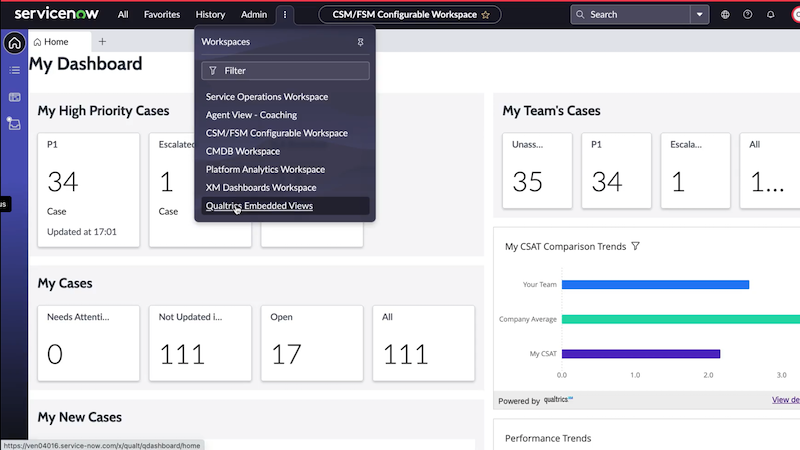
Embed Insight
Display standard and custom Qualtrics dashboards and widgets within external systems in a scalable and secure manner.
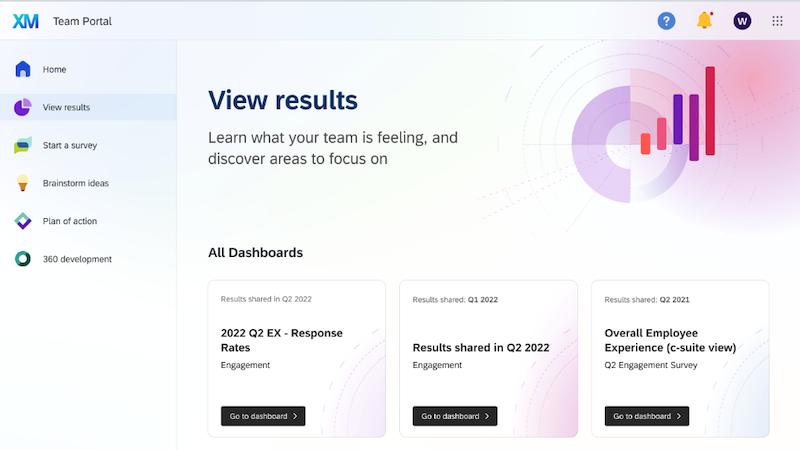
Purpose-built App
Deliver customized user portals that enable unique engagement scenarios and empower operators to get their work done.
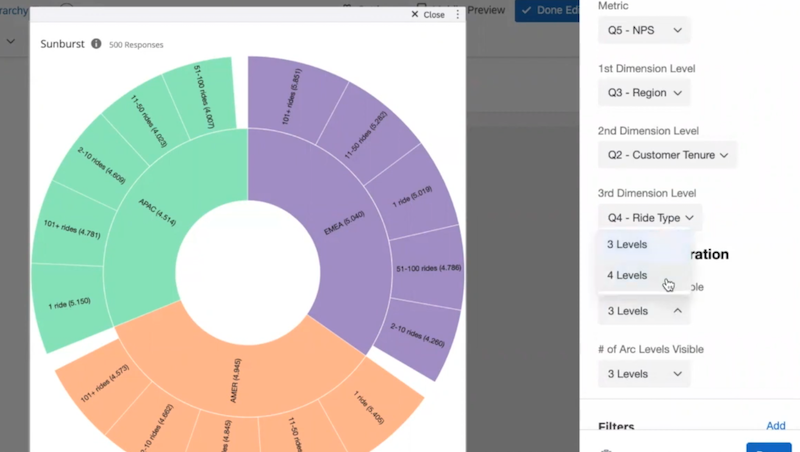
Reporting Widget
Enhance data analysis within Qualtrics via unique dashboard visualizations and widgets that implement custom logic.
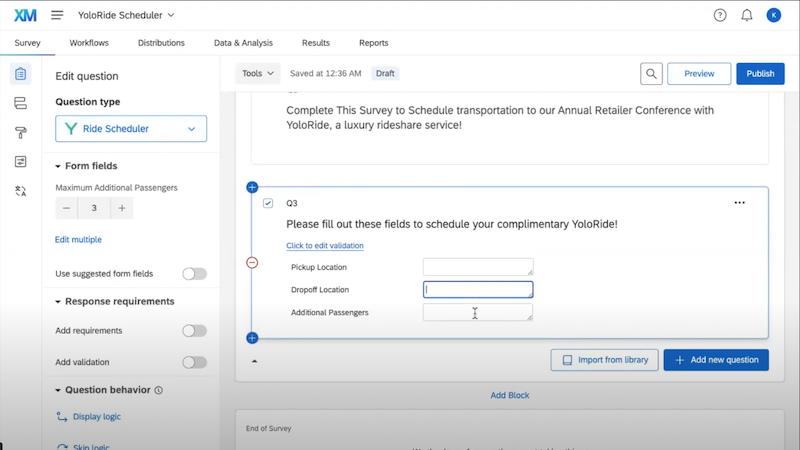
Survey Question
Enable unique data collection use cases through customizations in the survey question design, UI, and data storage.
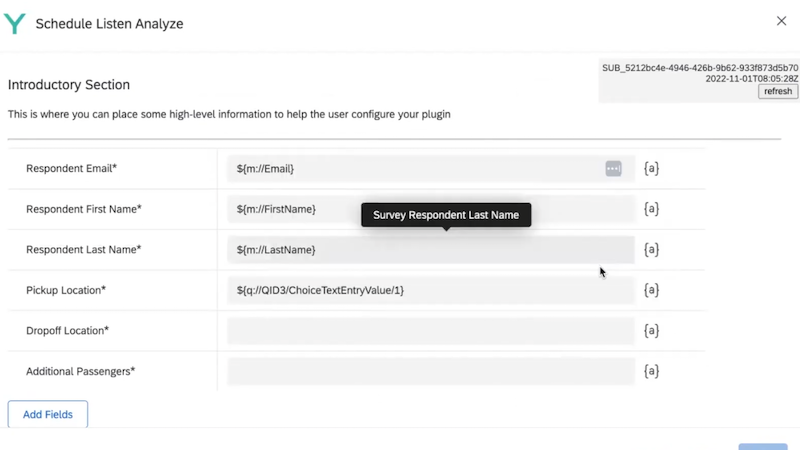
Workflow Task
Create custom Tasks that capture and send Qualtrics data to external systems on either a scheduled or event-driven basis.
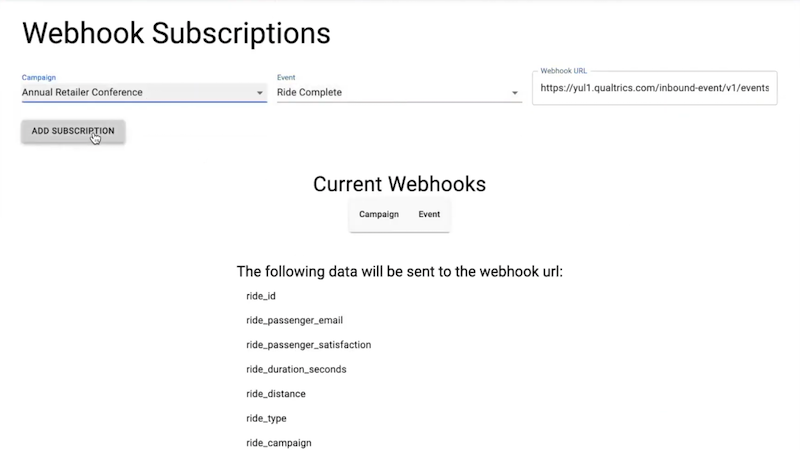
Workflow Event
Trigger Qualtrics workflows based on bespoke events from other platforms that can pull in insightful external data.

XM Solution
Create Qualtrics project templates that cover both simple and complex scenarios and empower users to quickly get set up.
Build with robust tools
Confidently create and manage your XM Extensions and Plugins with an assortment of helpful developer tools and essential features.
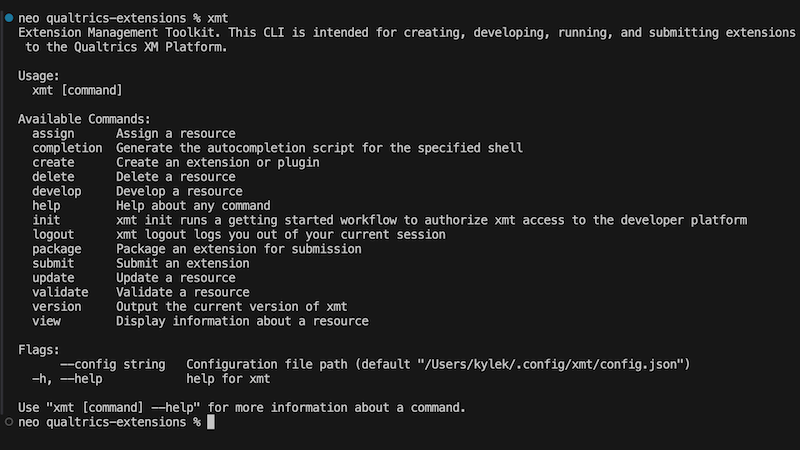
Command-line interface
Manage your Extensions with ease through all lifecycle states using the cross-platform CLI called XM Toolkit (XMT).
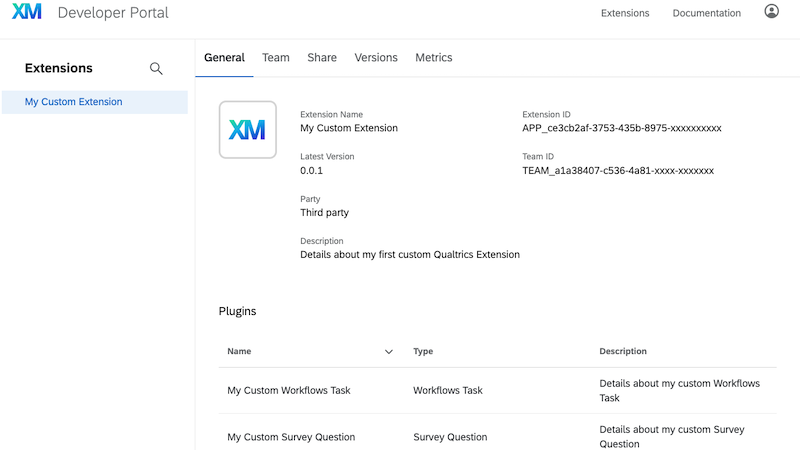
Developer Portal
Generate your own developer account, manage your Extensions, and journey through relevant Extension documentation.
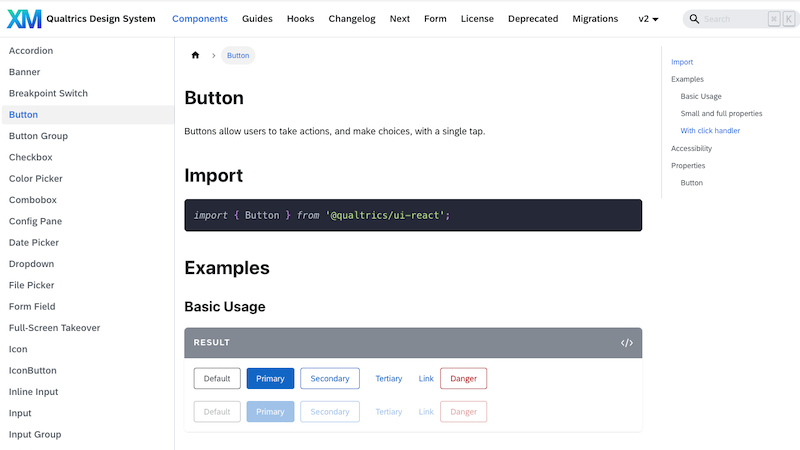
Design System
Leverage the Qualtrics UX Design System to build user experiences that match the Qualtrics product look and feel.
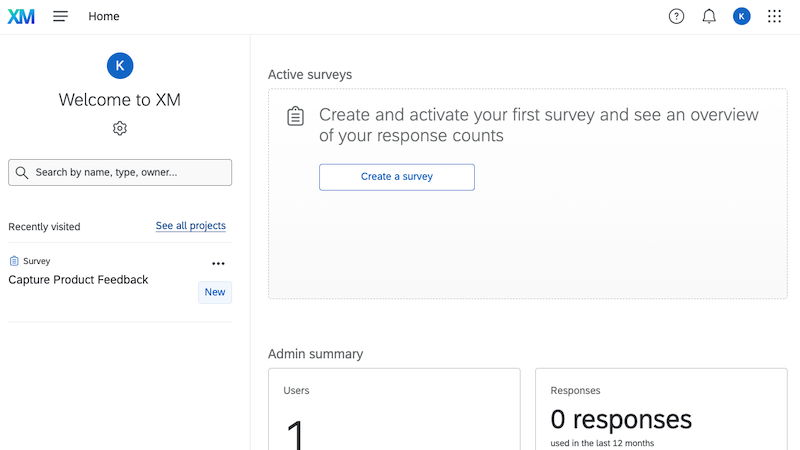
Developer Sandbox
Develop your Extensions in isolated and independent Qualtrics Brand environments to minimize disrupting teammates.
Safeguard with secure practices
Protect customers by leveraging provided security features and implementing supported industry-standard best practices.
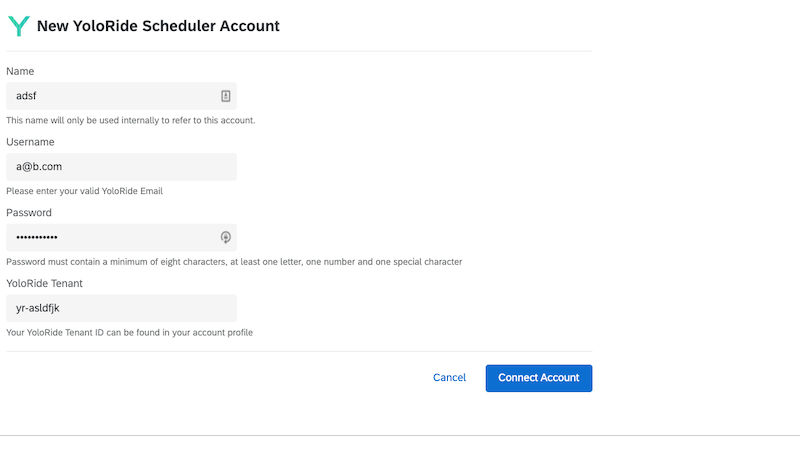
API Authentication
Communicate with external APIs securely via industry-standard authentication protocols, including OAuth 2.0 and SFTP.
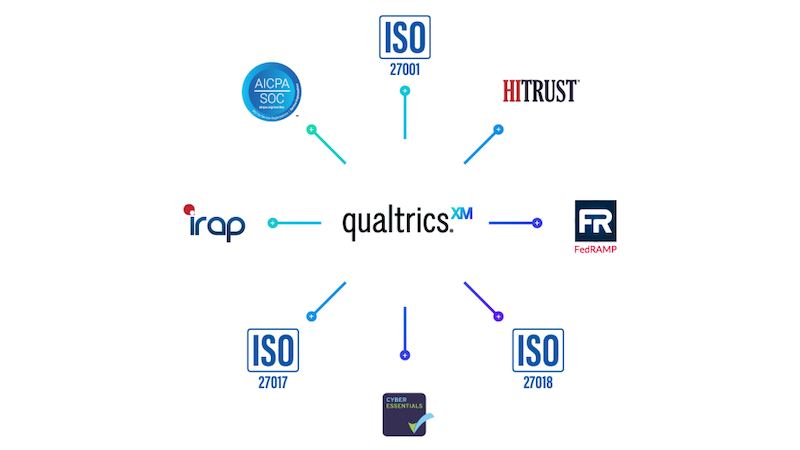
Data Security
Rest easy knowing that unauthorized access to user data and escalation of user privileges is prevented by default.
Engage with XM developer experts
Learn from fellow XM developers through various mediums as you ask/answer questions and participate in community events.
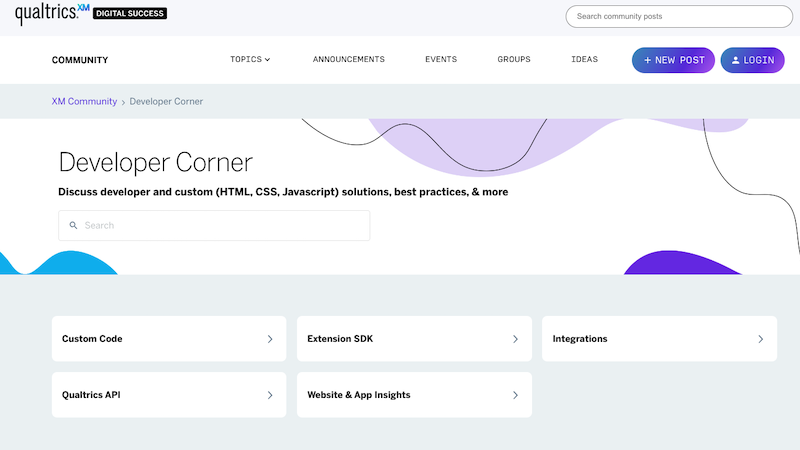
Developer Corner
Ask questions, find answers, help others, and submit feature requests — all within a single forum.
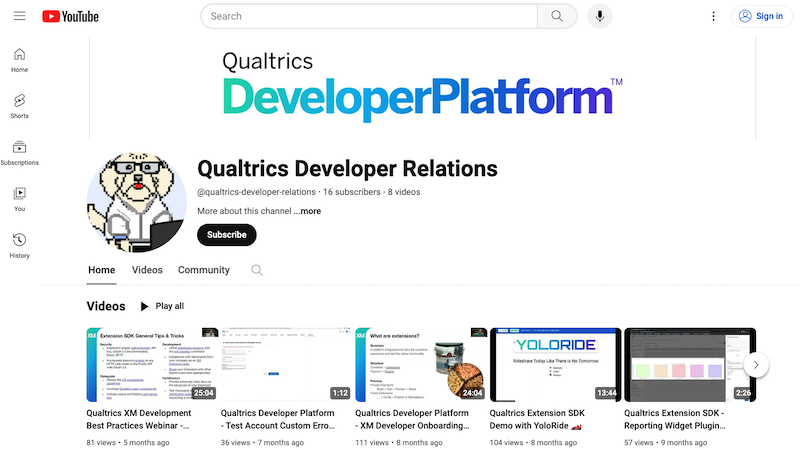
YouTube Channel
Check out the latest released features and functionality through video demos and walkthroughs.